Overview
Overgrown! is a 2.5D Action RPG about plants and family set in an overgrown Natural History Museum. You play as Lily, an aspiring botanist who’s trying to find her father. This is the First ever SCAD project that combined 2 separate majors for a year long collaboration. as such by the end we had almost 100 people that contributed to the project! I was in charge of working on systems that made the environment Feel alive and real as well as creating some of the environments themselves. Watch the Gameplay Trailer here!
Modular Grass System
One of the first things that I Created for the project was the Modular Grass system we have for both level design and the environment teams.
Level designers wanted grass that could
-Could be scaled on mass
-Be tall or short
-affect Player speed
-Be cut down
-have Varied shapes
Level designers wanted grass that could
-Could be scaled on mass
-Be tall or short
-affect Player speed
-Be cut down
-have Varied shapes
All while The art team needed to be able to swap out the grass Textures to fit with different Exhibits
Next to this is a Video of each major stage of Grass From Alpha to Release
Next to this is a Video of each major stage of Grass From Alpha to Release
Alongside The Grass I was also Reworking the level transitions between each room Making them feel more natural to go through than just fade to black and teleport!
Level / Wing Transition
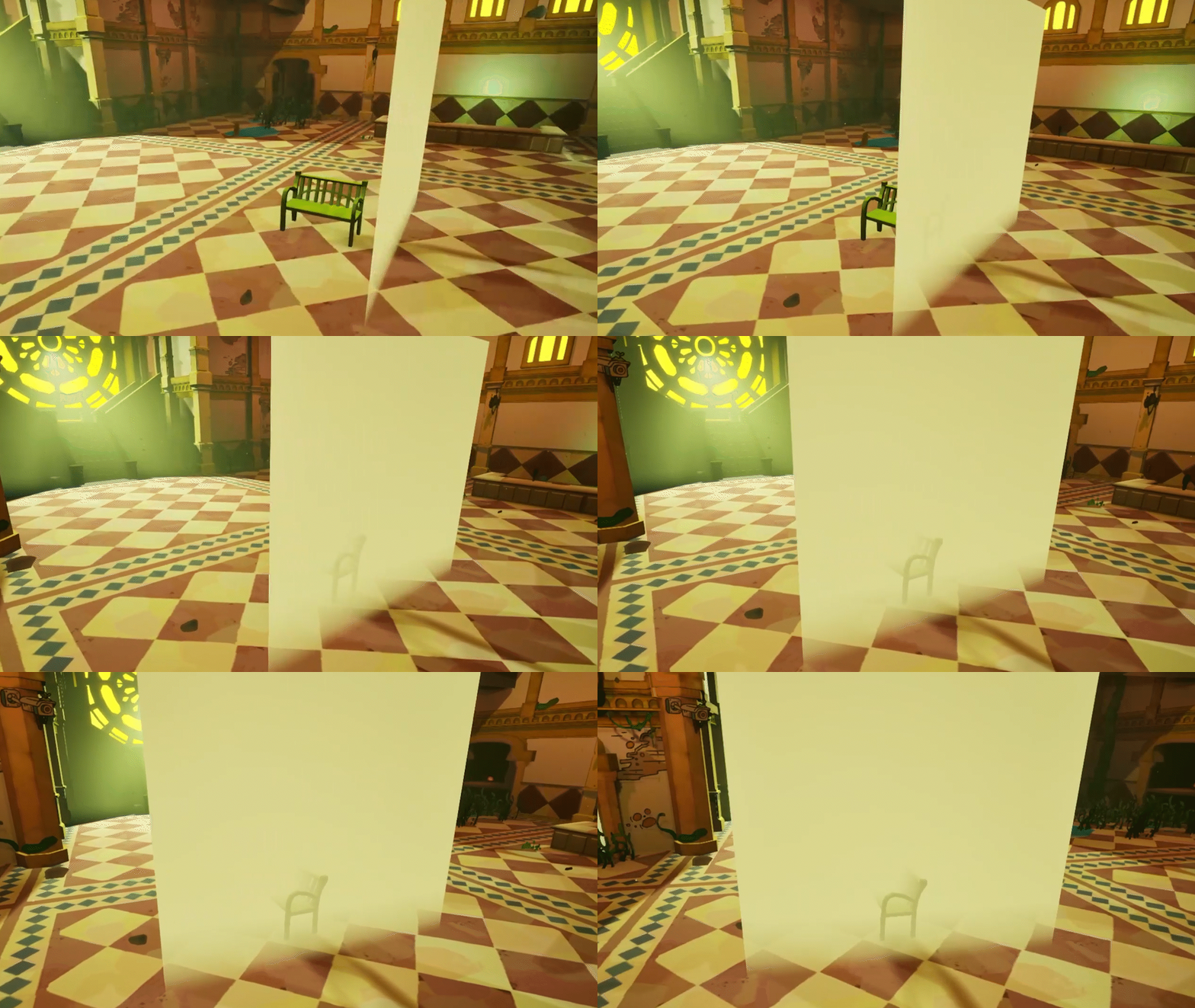
The System went through several iterations before we landed on something that I was happy with.
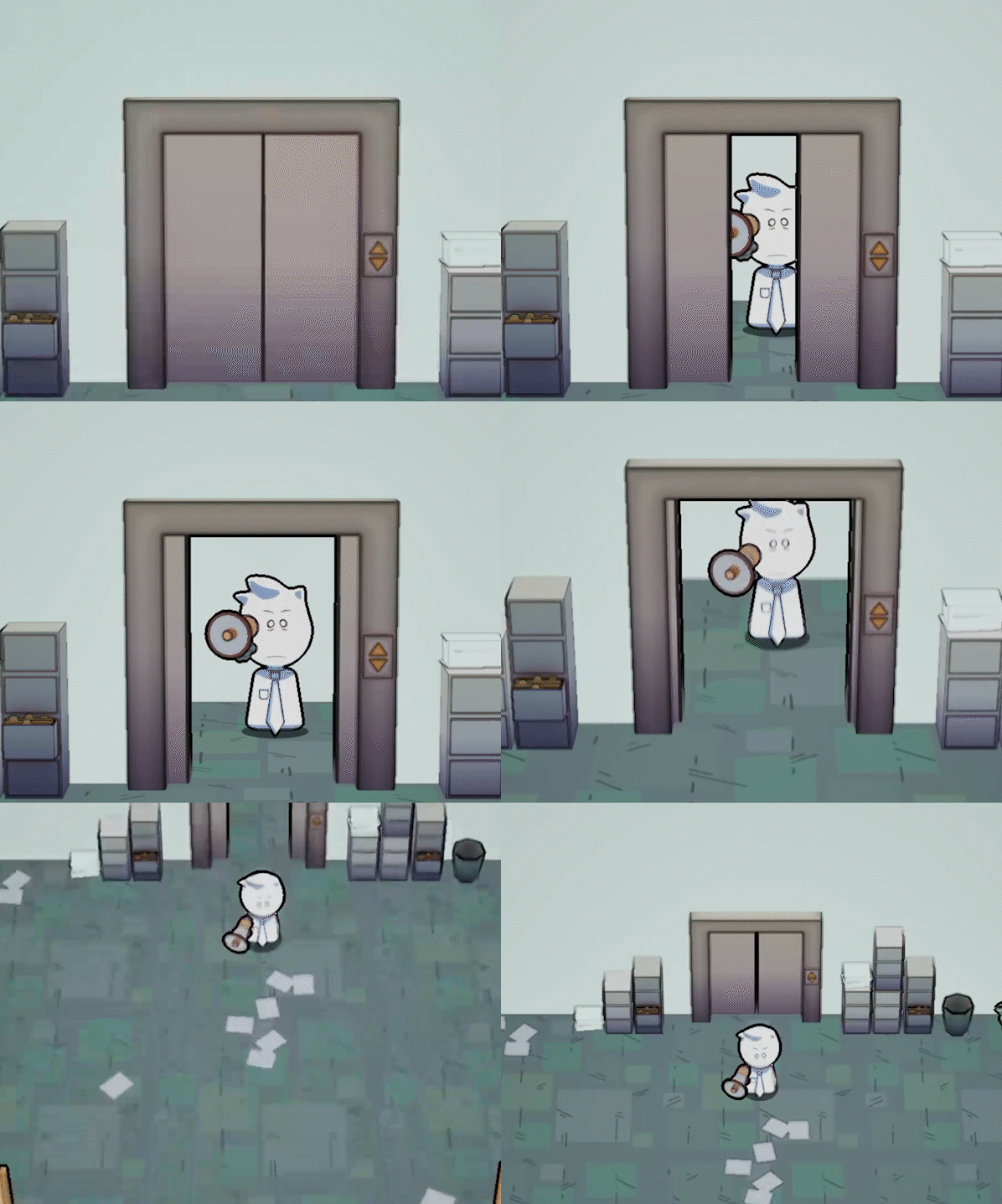
The first iteration had players stopping and slowly sliding forward since the door was a solid color. so first I created a fog Shader based on scene depth that allowed the player to actually move through the door and have it look more natural.
The first iteration had players stopping and slowly sliding forward since the door was a solid color. so first I created a fog Shader based on scene depth that allowed the player to actually move through the door and have it look more natural.
Next on the list was to make the movement less stiff so I created a new doorway blueprint that takes over your character and runs into the fog using Unreal's AI navigation tools. I found out that this code got reproposed for SUCK IT UP when you exit out of the elevator! Its super cool when something you made gets built on top of. Honestly its one of the reasons why I love collaboration in the game space.
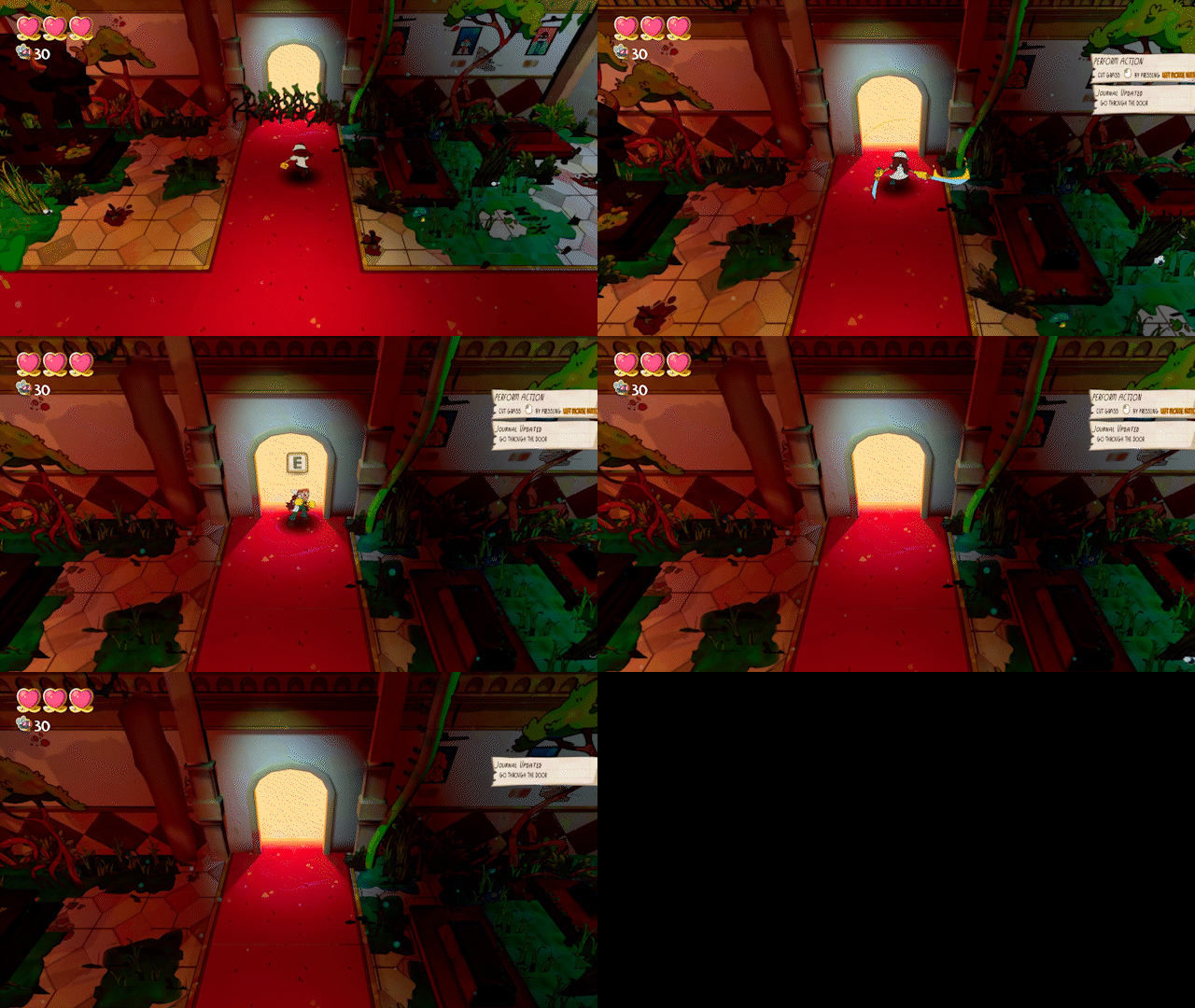
Next the camera! The camera initially stayed the same as if you were to normally move into the room, but we had clipping issues with smaller doors. So I got back to work and created a way to lower the camera and zoom in a bit
Eventually the Design team wanted doors that could face Left and Right. So I ended up working with another team member Chris (the goat and puzzlemaster) on his interaction camera component to add support for keeping the camera still while your character moved through the door.
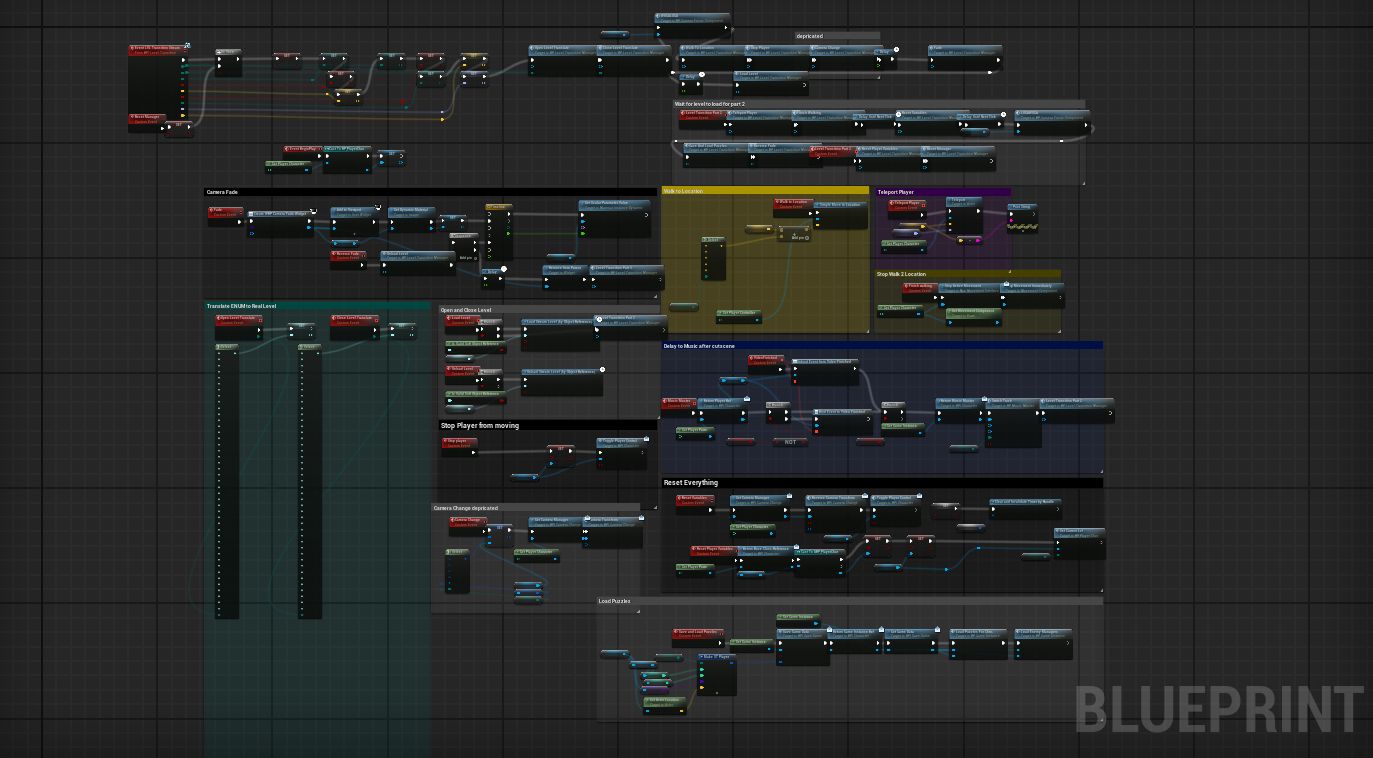
Below is the final Blueprint of the door system in all its glory!
(components not included)
Eventually the Design team wanted doors that could face Left and Right. So I ended up working with another team member Chris (the goat and puzzlemaster) on his interaction camera component to add support for keeping the camera still while your character moved through the door.
Below is the final Blueprint of the door system in all its glory!
(components not included)
GDC
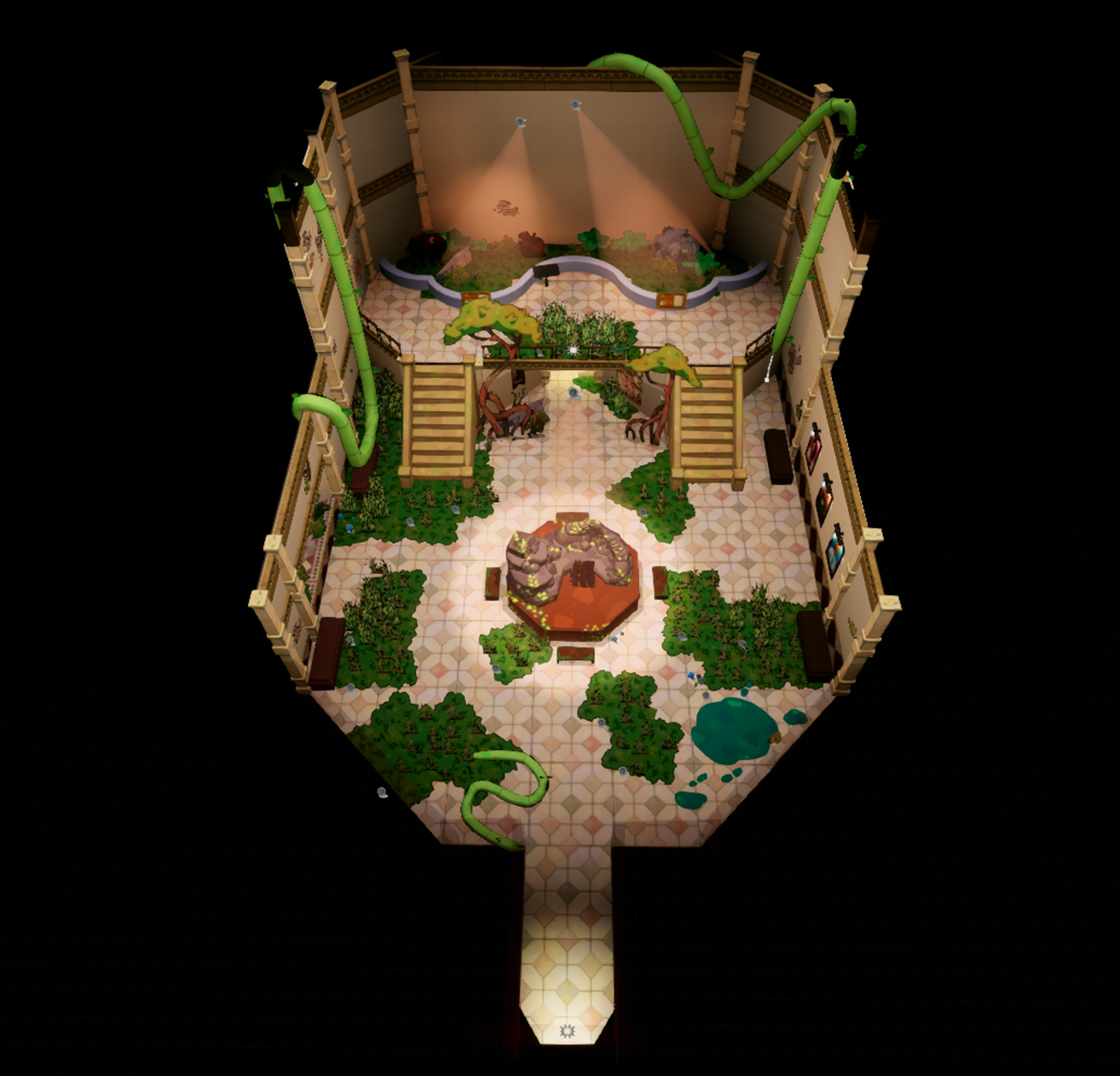
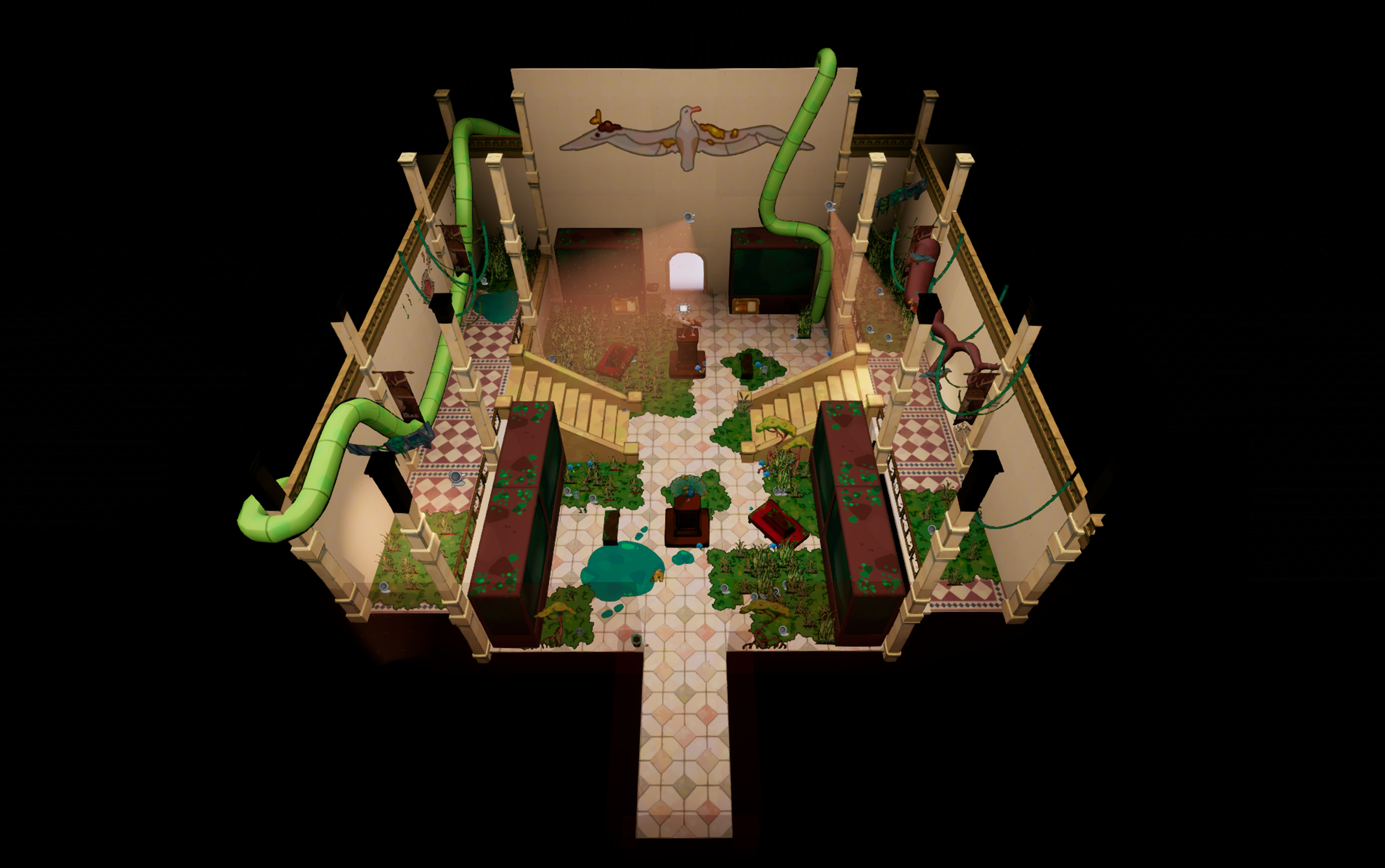
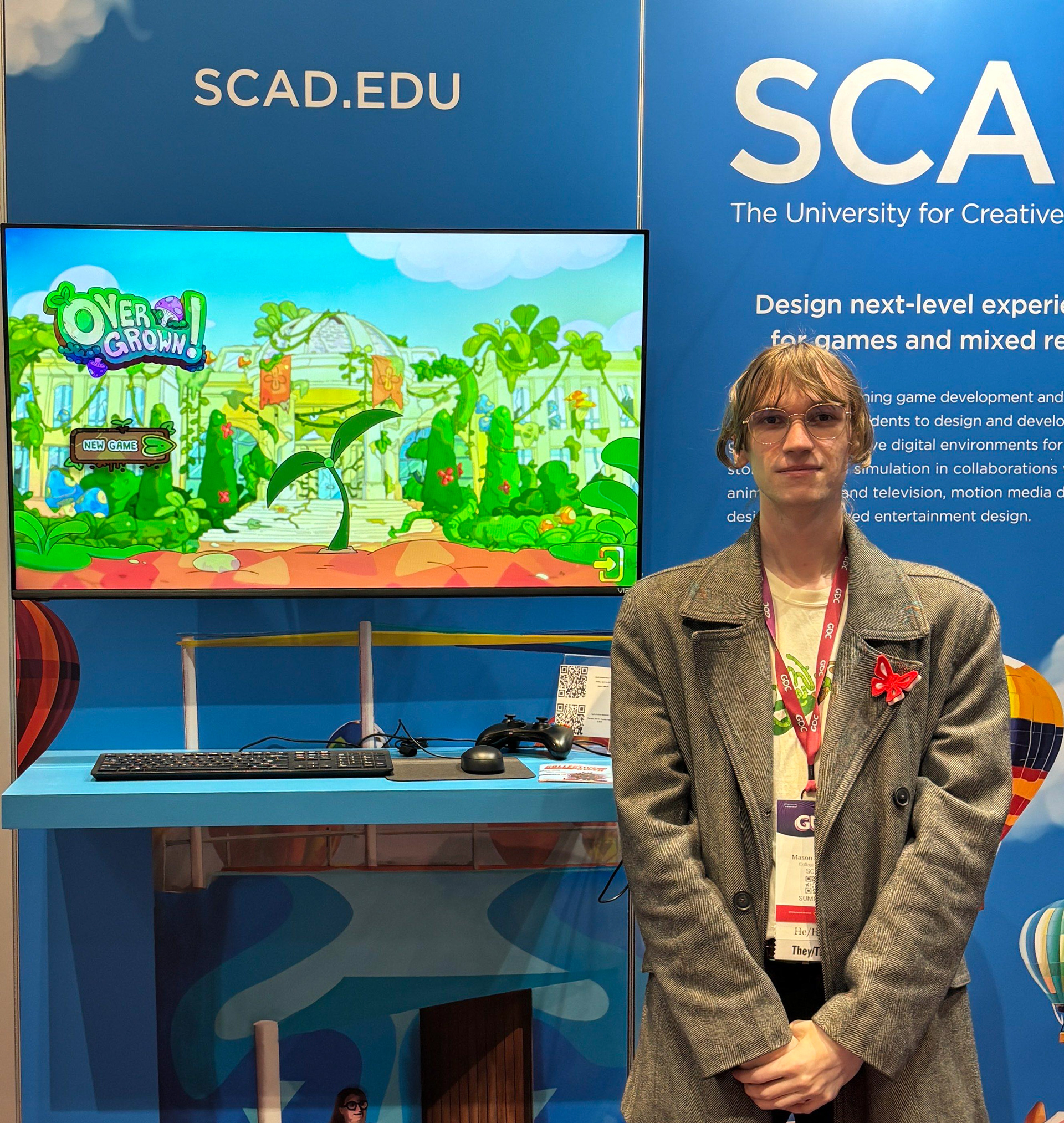
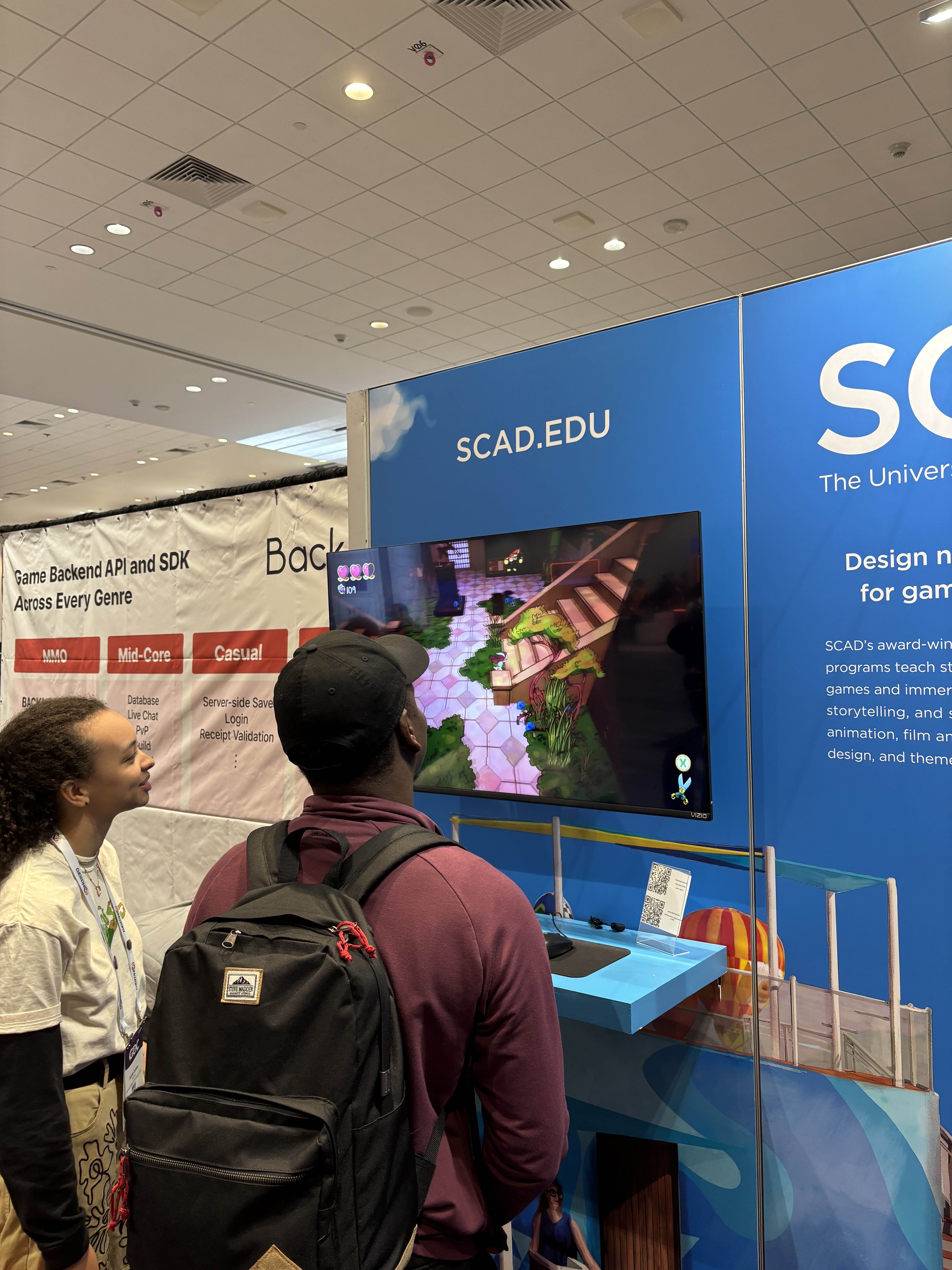
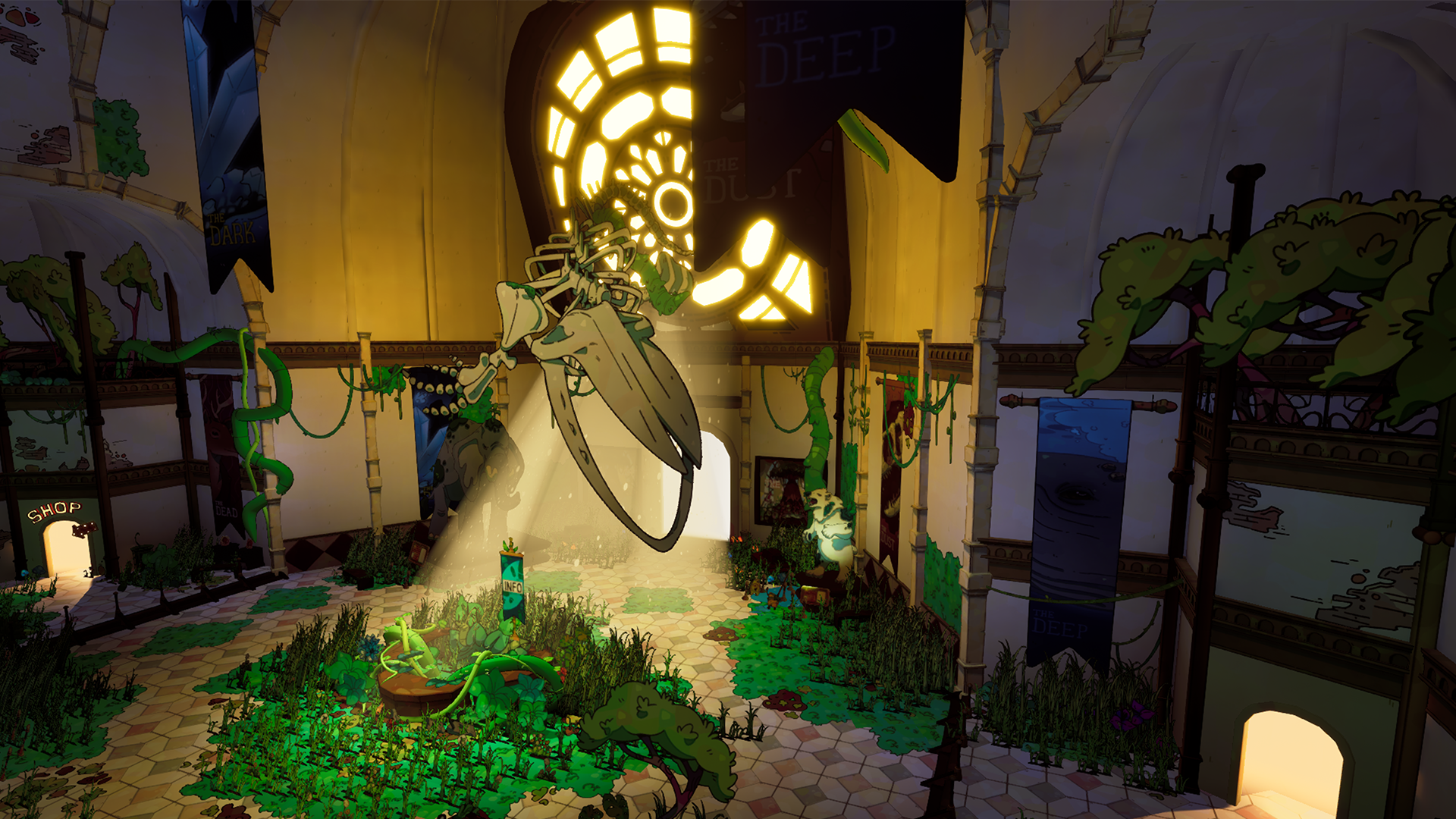
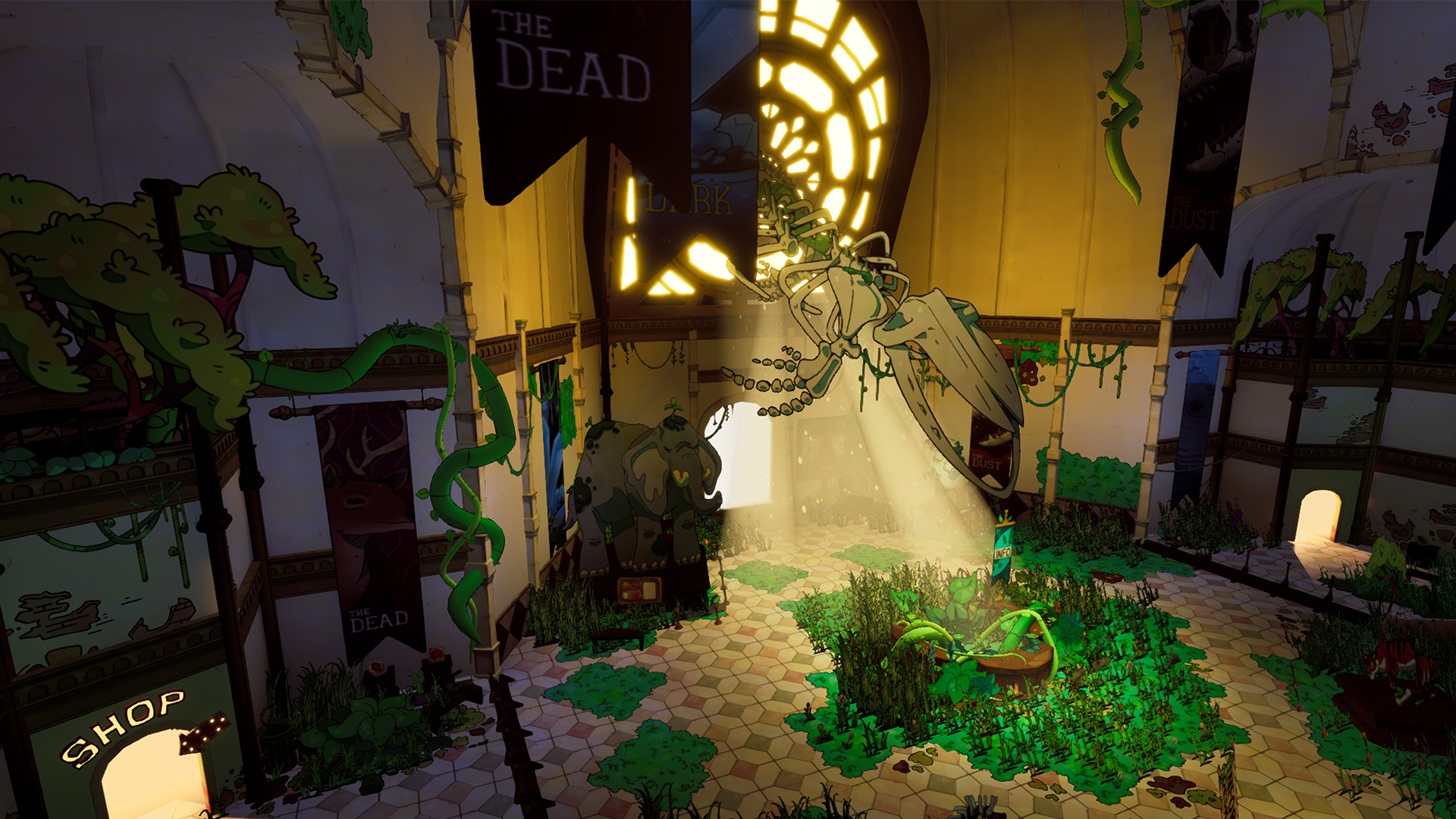
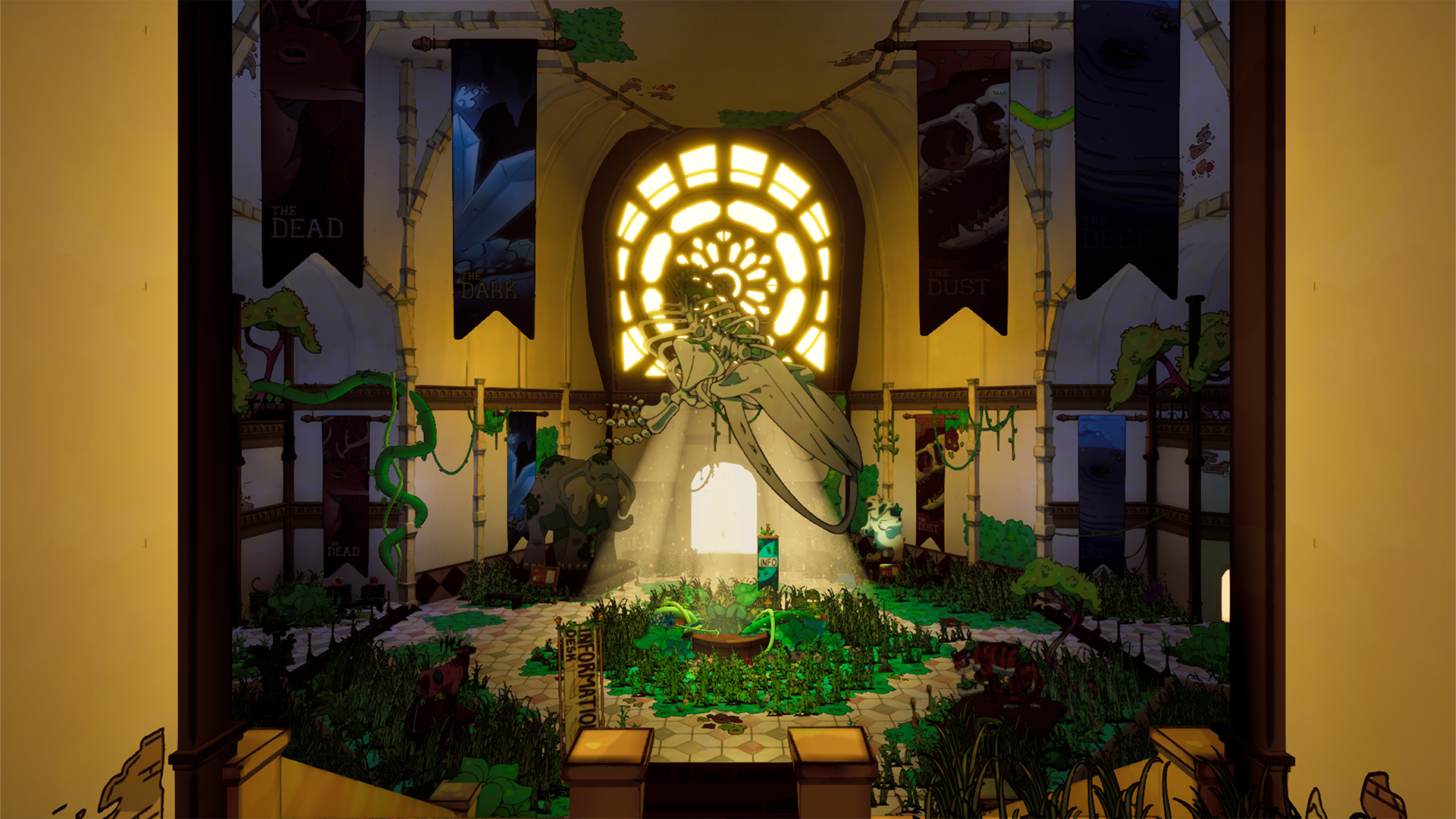
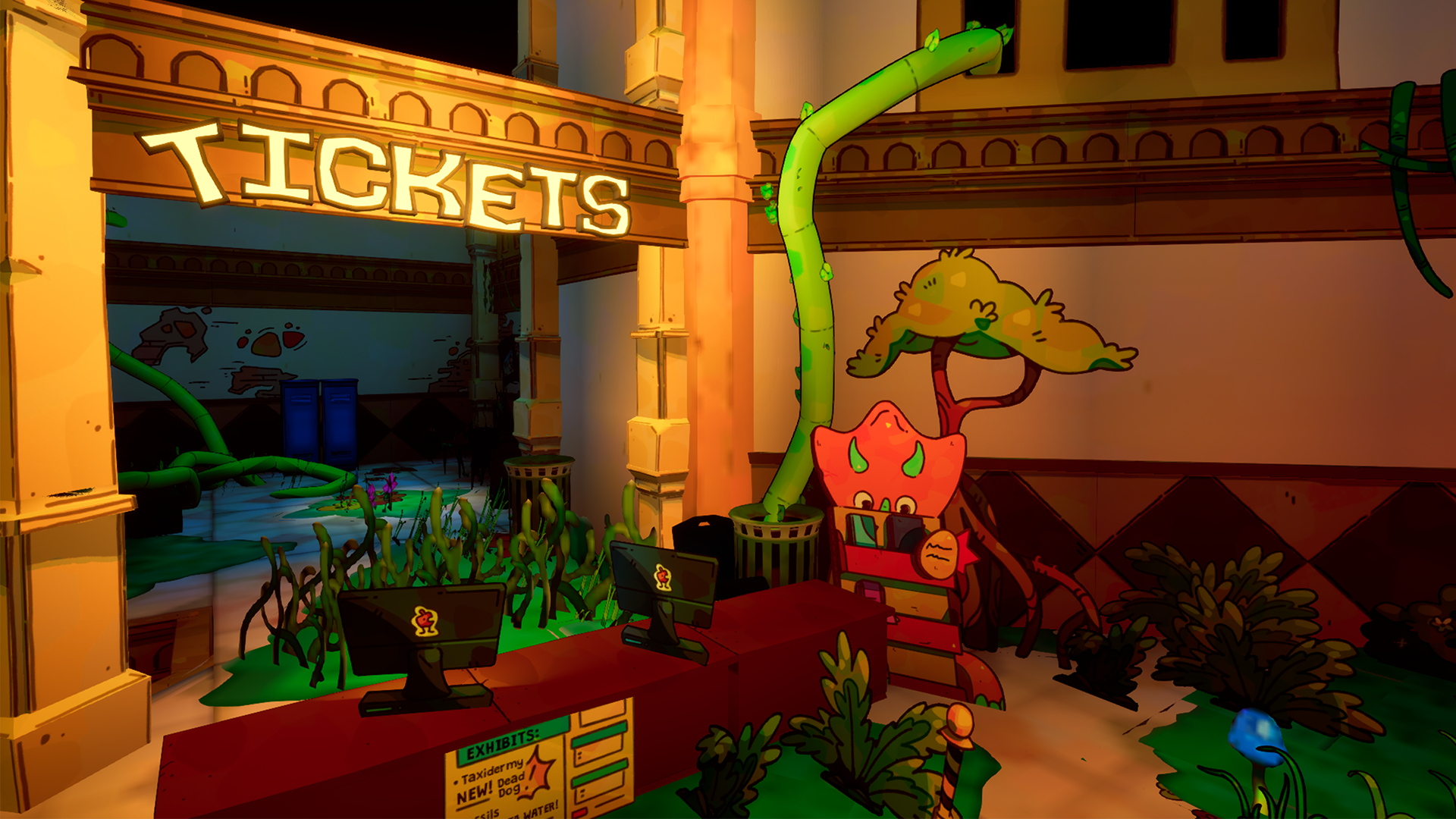
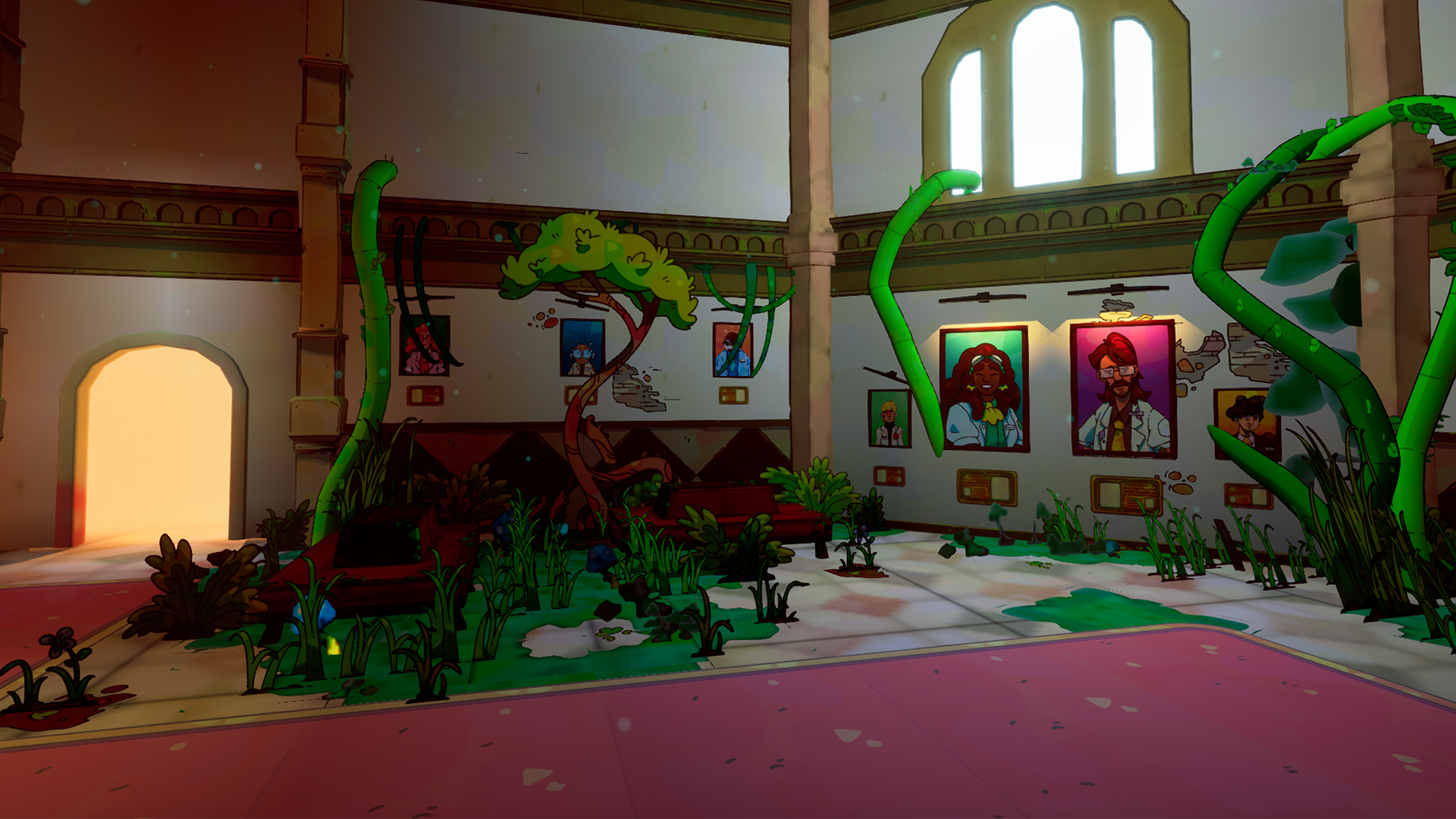
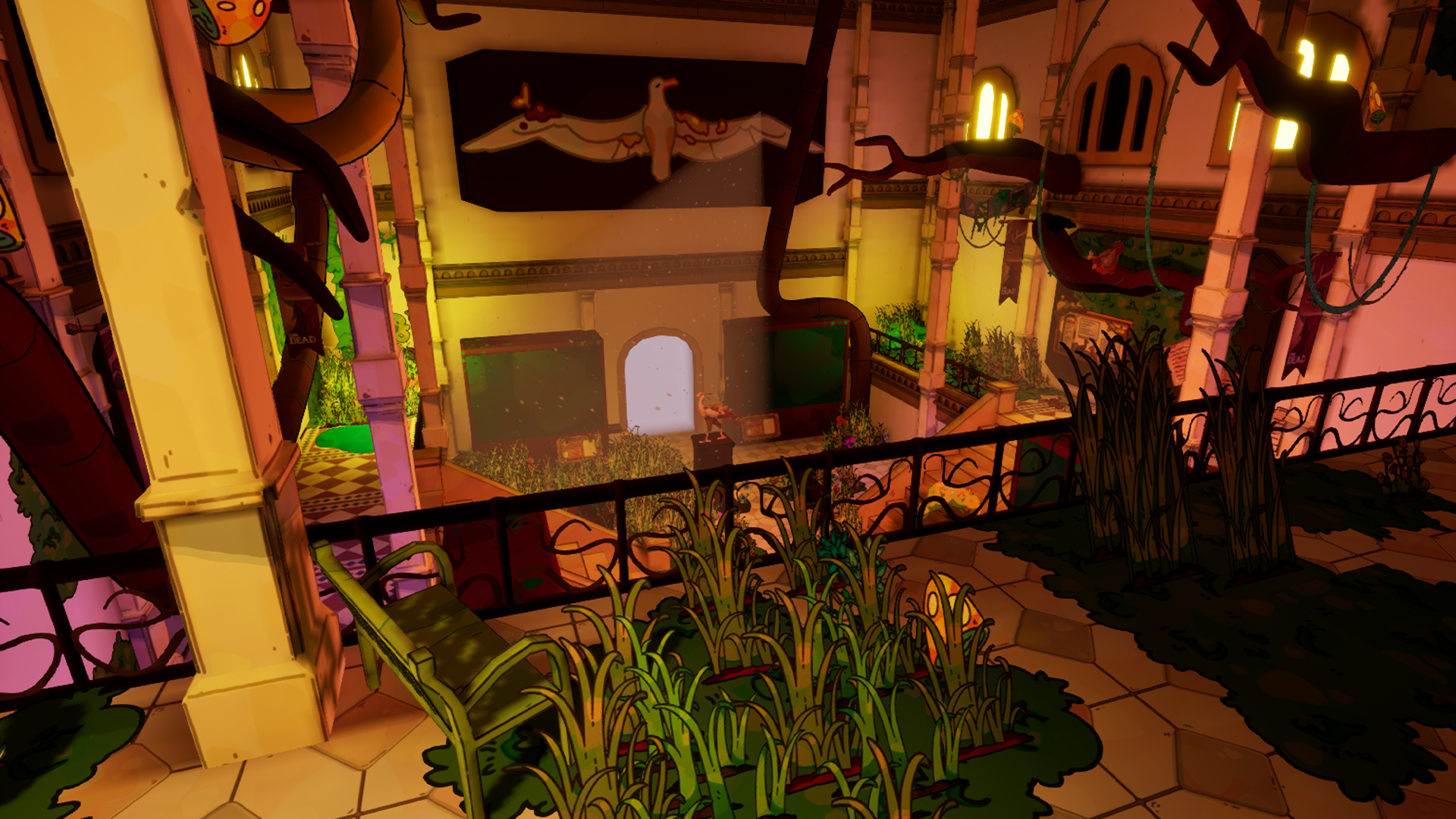
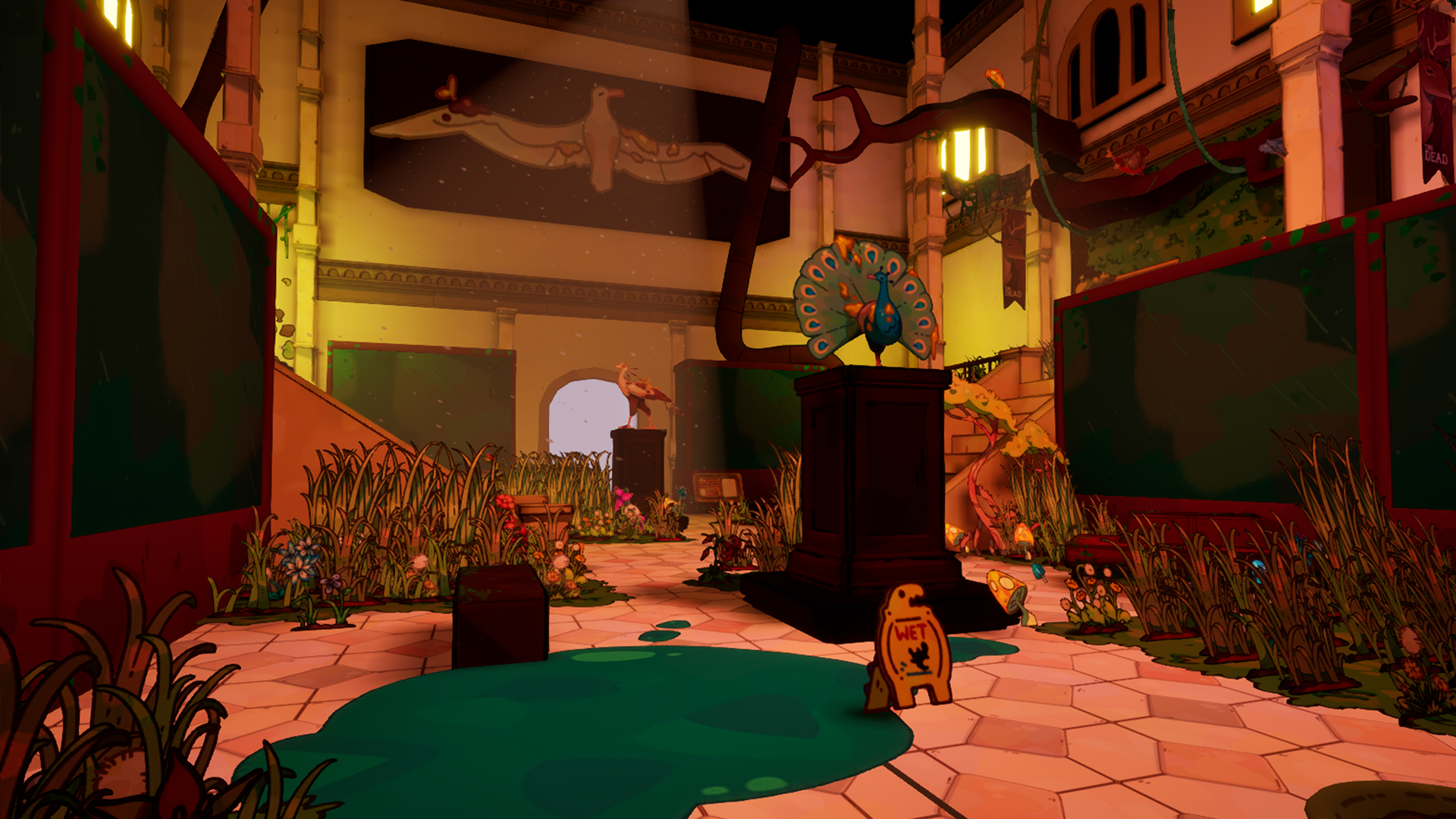
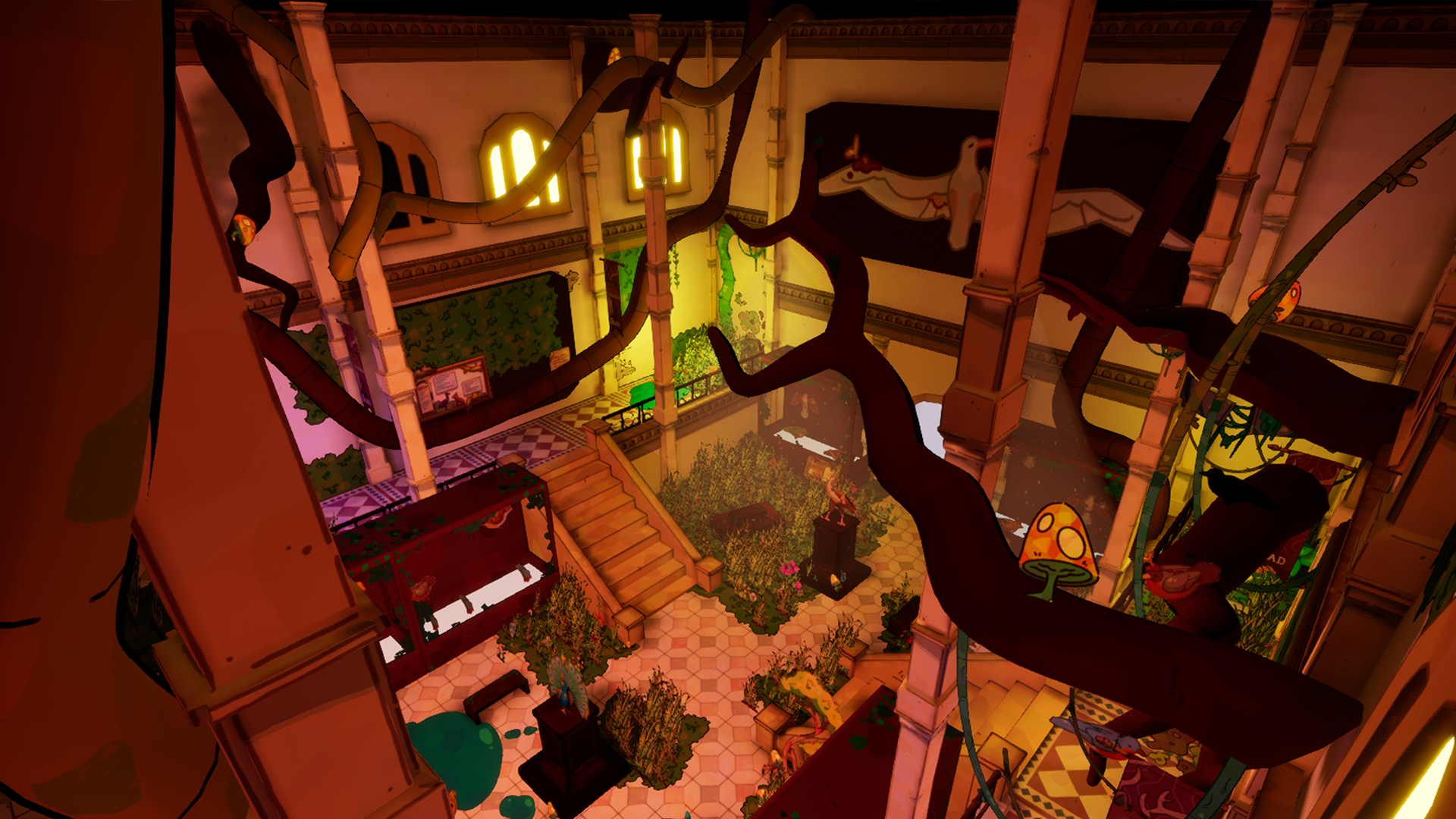
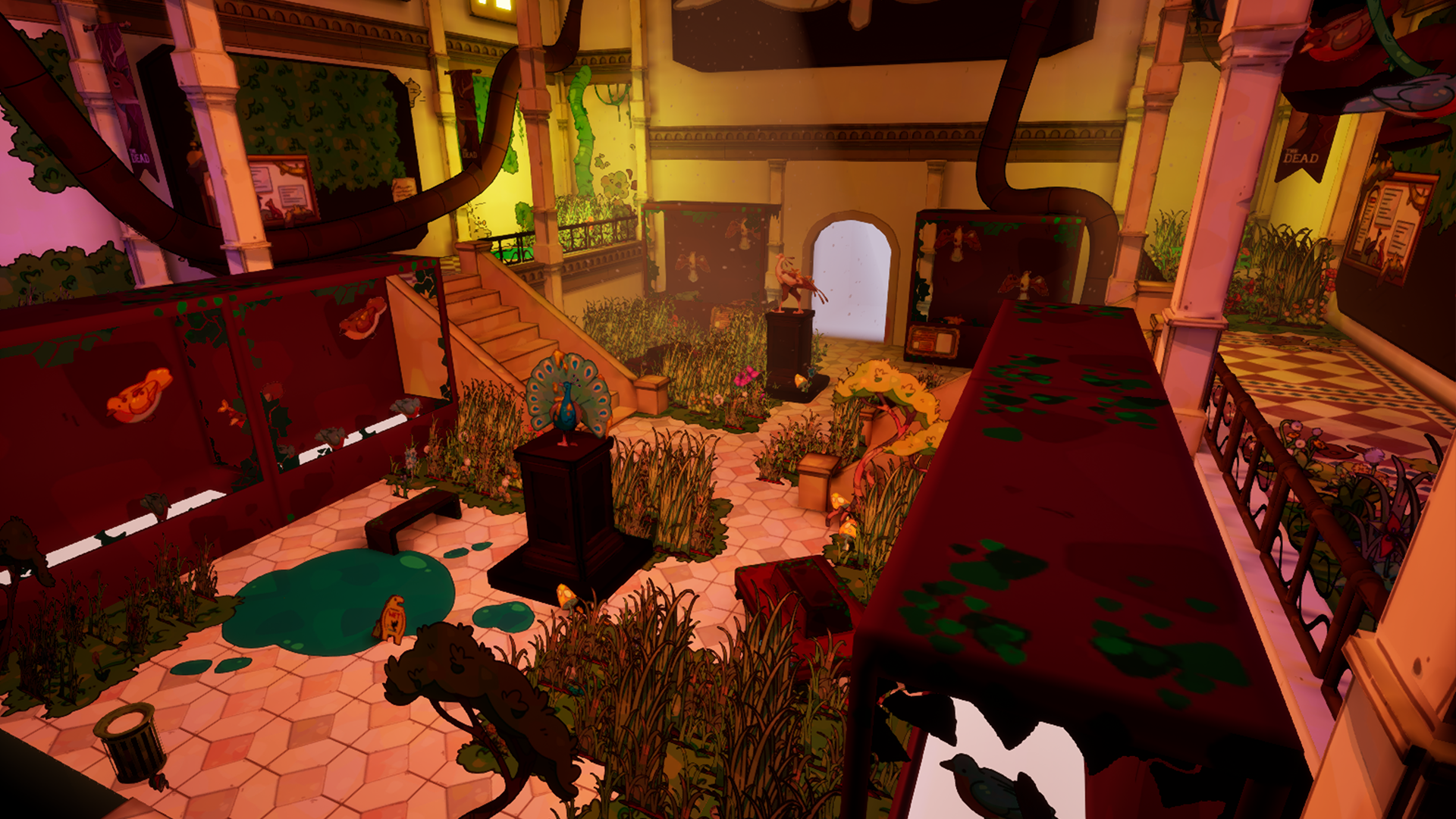
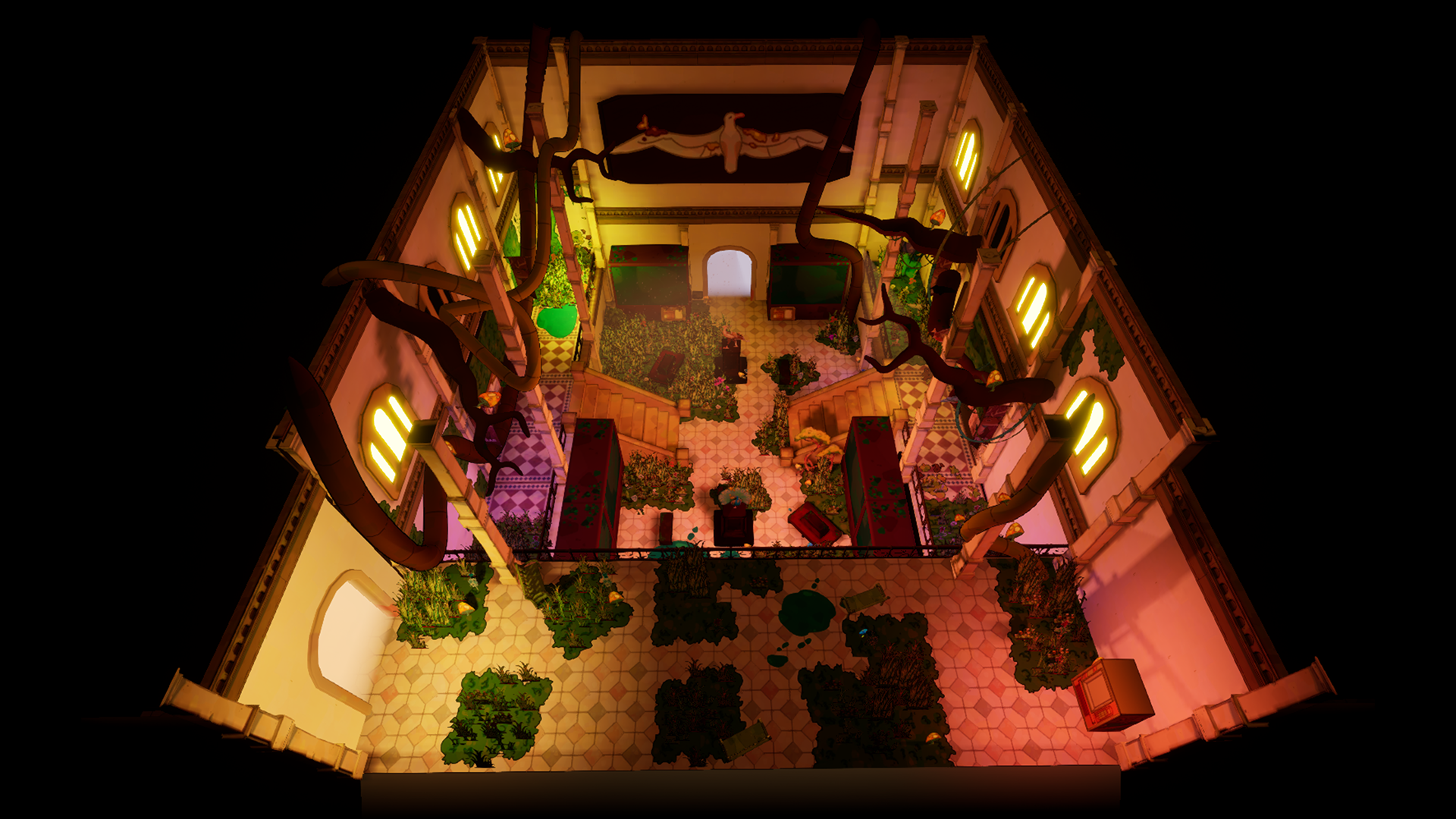
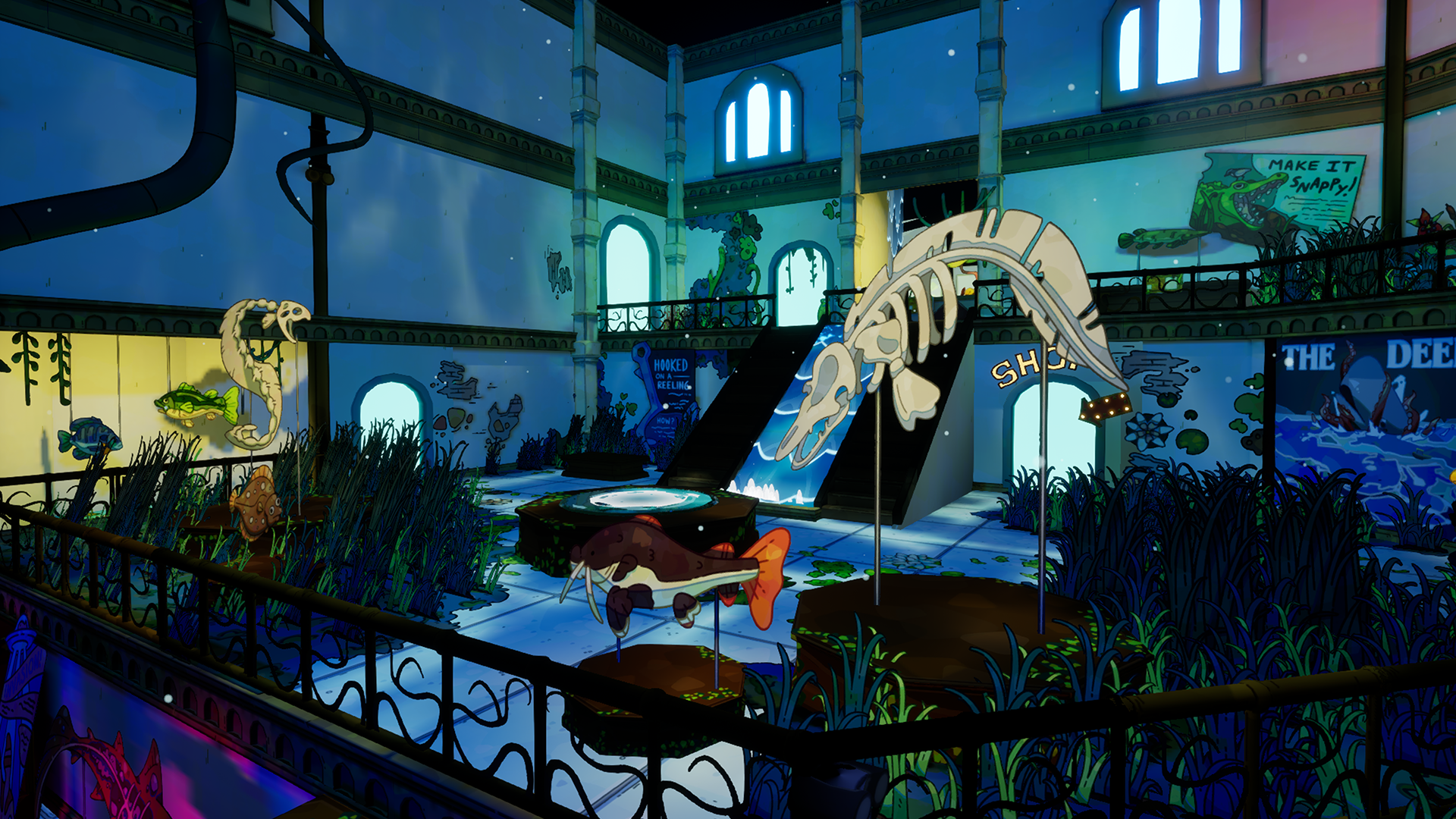
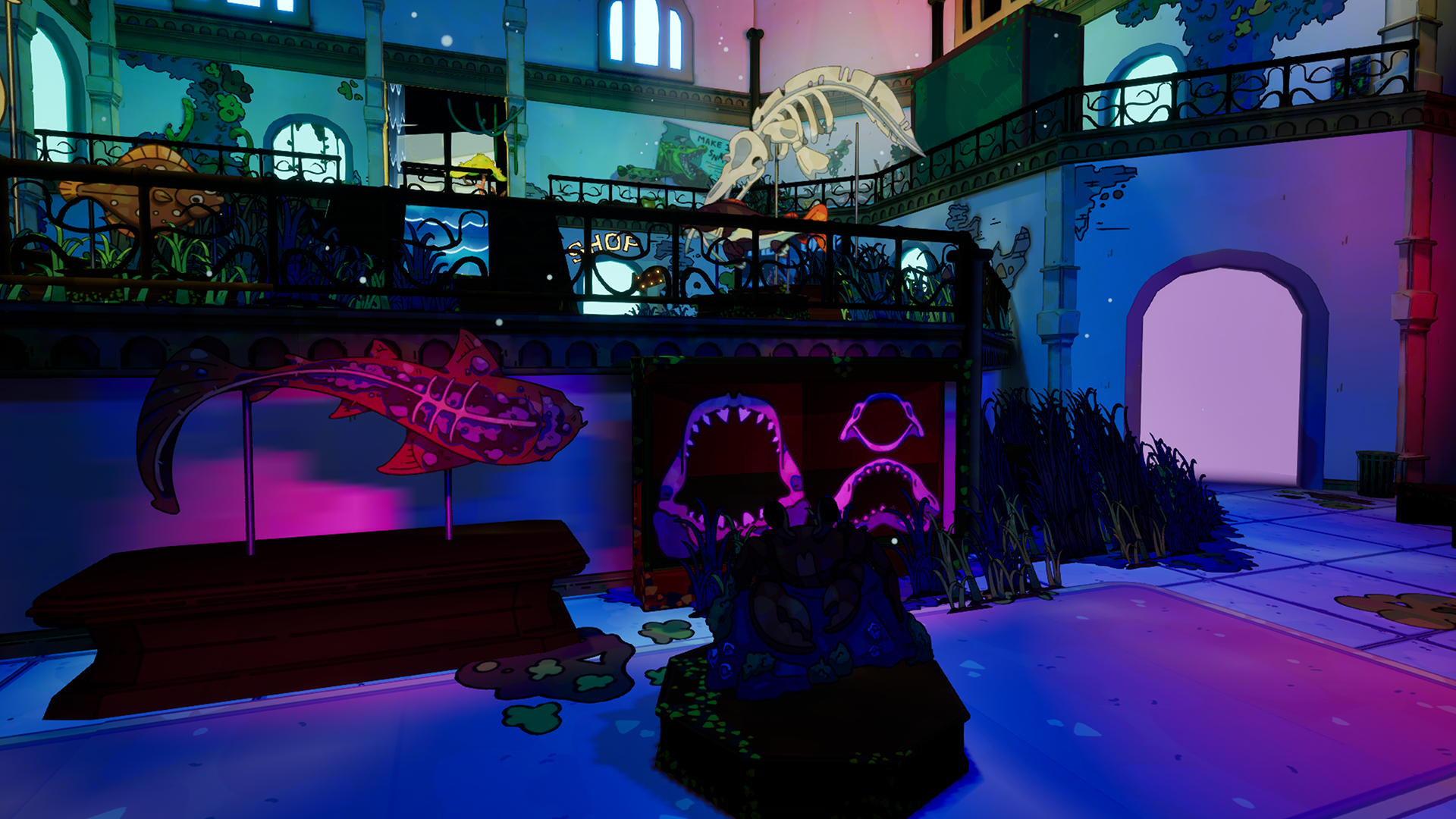
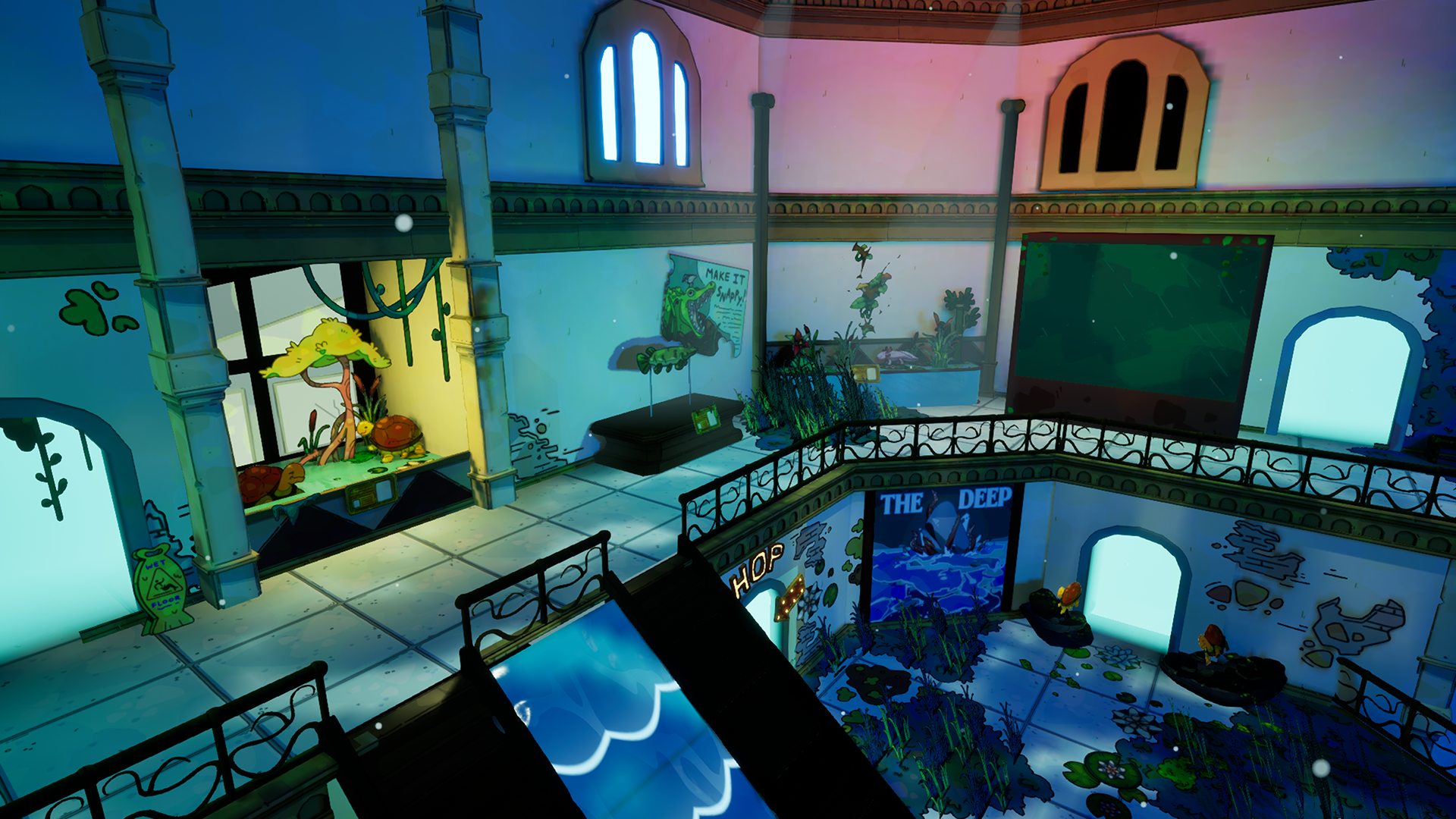
Our game ended up being featured at GDC 2025 At the Savannah College of Art and Design booth. By this point I started to move into set dressing and lighting. Here are the 2 zoology Rooms I Had set dressed and Lit for The Showcase Demo! as well as some Photos of the Booth
STEAM
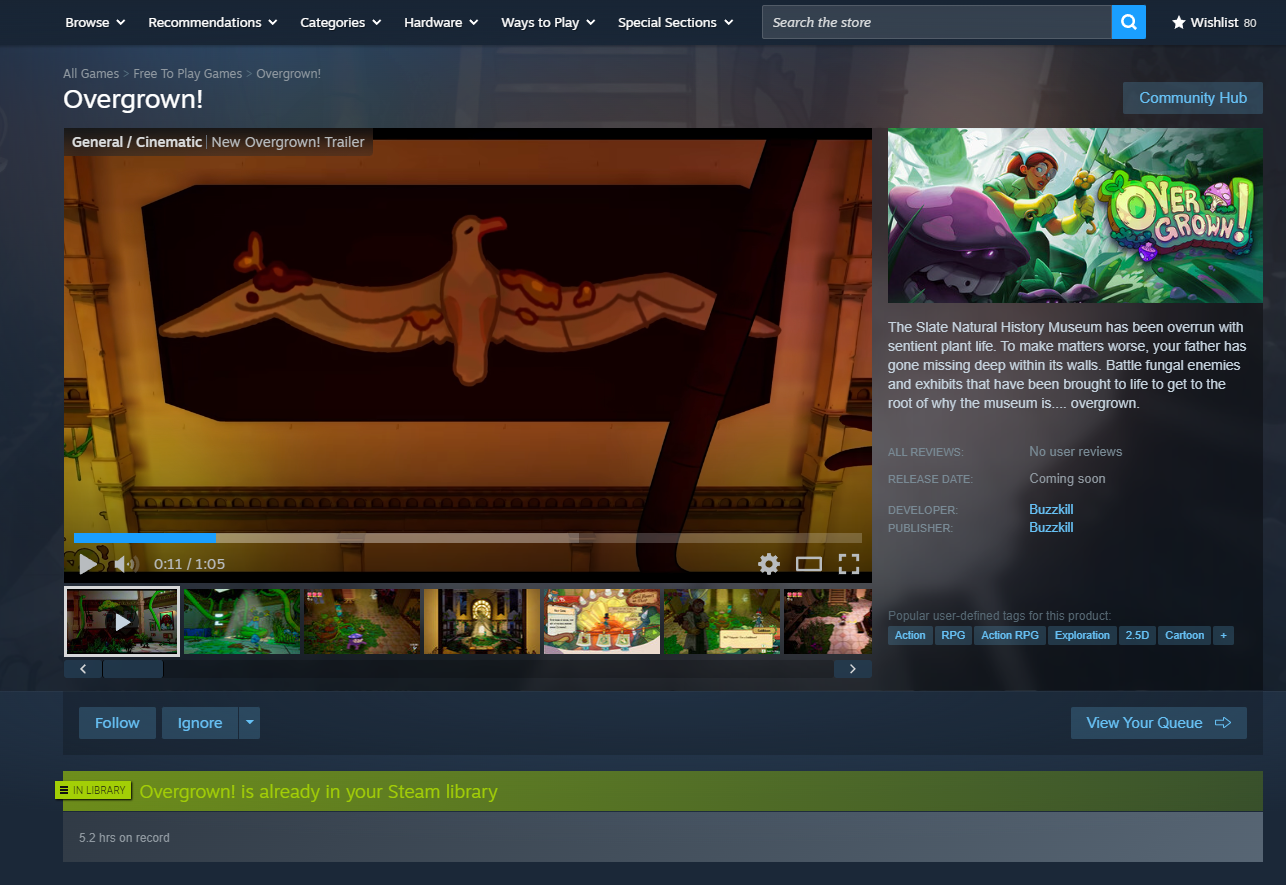
Steam support is an integral part of any pc video game launch so obviously I was Advocating to have a depot up since the very first day I walked in. and while It was pushed back for a while, We finally got our hands on a App ID and did not put it to waste
I was In charge of putting a new Build of the game to Steam every single Sprint cycle. I also was responsible for The Store Screenshots, awards, and Spec Requirements. while Alejio handled all the Store page Writing and gifs
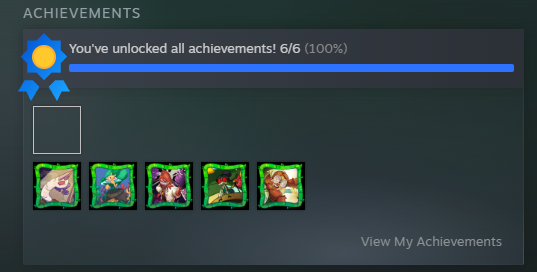
Another cool thing I was able to do was implement achievements. This Reused Code from my other game Residual Christmas and really made the game feel more like a shipped Product
I was In charge of putting a new Build of the game to Steam every single Sprint cycle. I also was responsible for The Store Screenshots, awards, and Spec Requirements. while Alejio handled all the Store page Writing and gifs
Another cool thing I was able to do was implement achievements. This Reused Code from my other game Residual Christmas and really made the game feel more like a shipped Product
SETDRESSING/LIGHTING

ASSETS
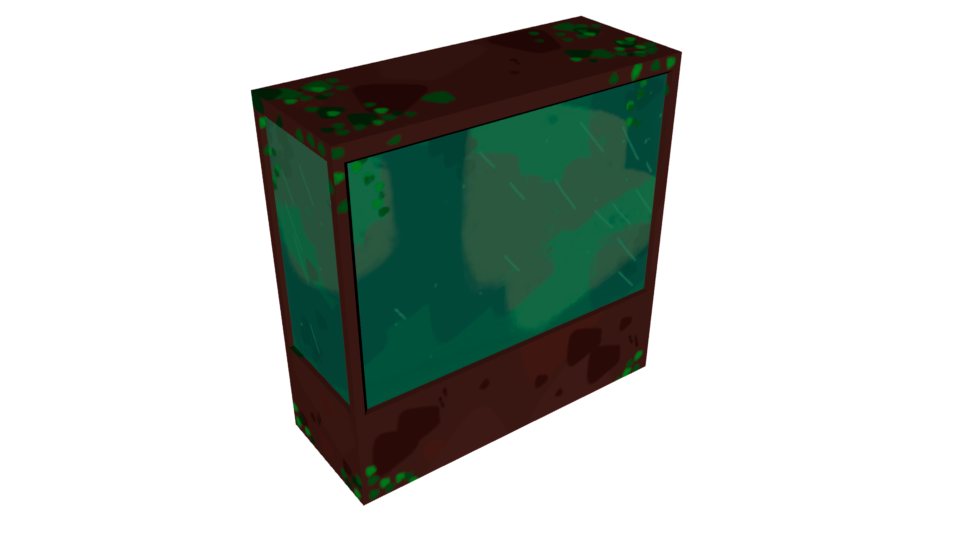
OTHER COOL TECH
-Breakable Objects
-Checkpoint System
-Settings Menu
-Checkpoint System
-Settings Menu
POST LAUNCH SUPPORT
With the Launch of our game There were still a few things worth fixing up! over the following months. I improved file size, texture space and vram usage, setdressing and boundary breaks, and quest errors.
We also managed to get featured for the 2025 Unreal student showcase!
I'm in the final stages of cleaning the game up for the full launch so if you would like to check the game out on steam please do!
We also managed to get featured for the 2025 Unreal student showcase!
I'm in the final stages of cleaning the game up for the full launch so if you would like to check the game out on steam please do!